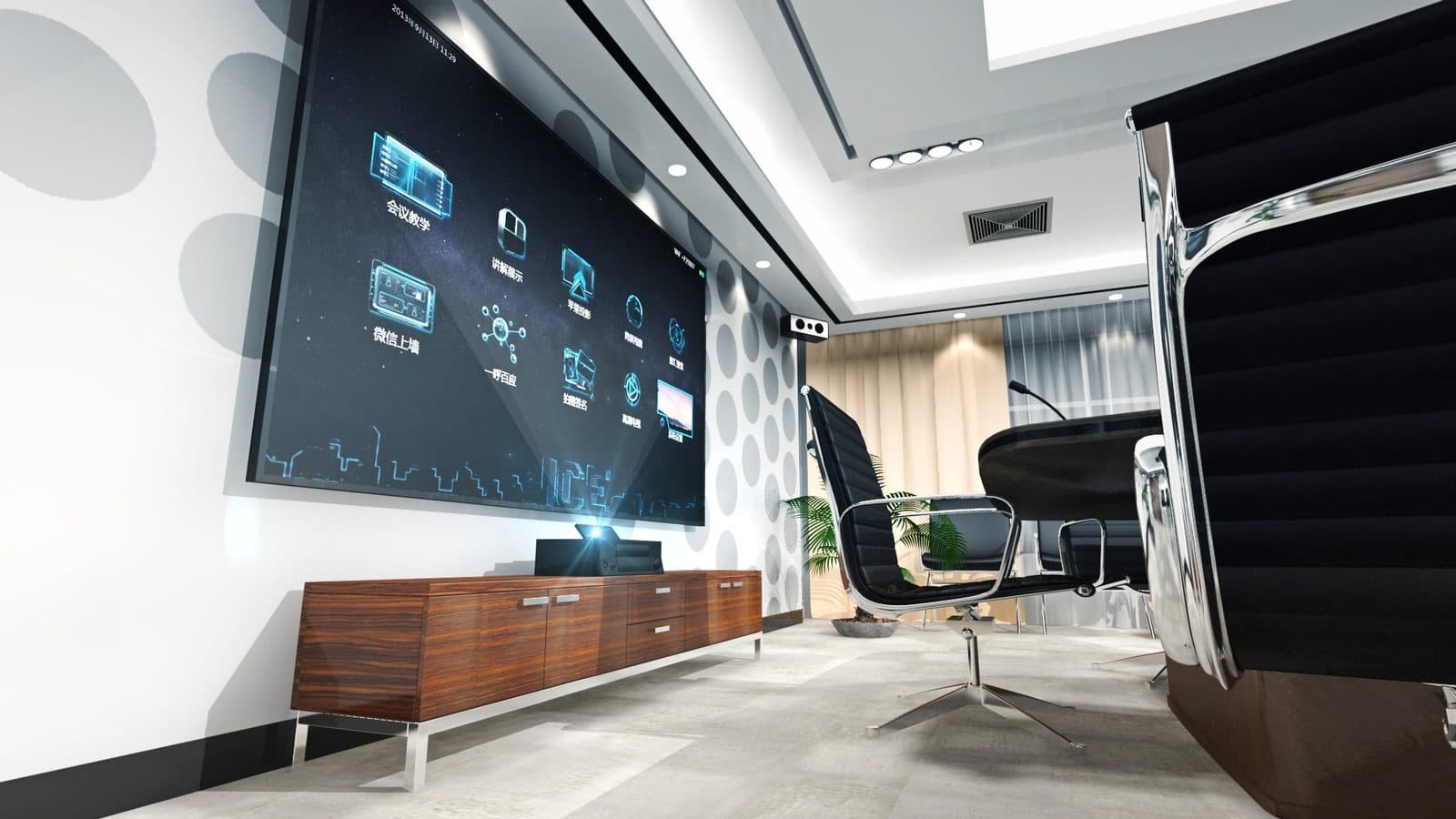
More Nashik offices now run weekly calls with a head office in Mumbai or Pune, a client abroad, or a vendor two states away, and the room where those calls happen either makes the conversation feel normal or makes everyone lean in and ask "sorry, can you repeat that?" Video conferencing room setup for Nashik offices is not about buying the most expensive camera you can find — it is about matching camera, microphone, display and network to the actual size and use of the room. This guide walks through that matching process practically.
Start with room size, not equipment
The single biggest mistake in conference room setup is picking equipment before deciding what kind of room you actually have. A camera and microphone combination that works beautifully in a small huddle room will leave people at the back of a large boardroom inaudible and out of frame.
| Room category | Typical capacity | Camera | Microphone/speaker |
|---|---|---|---|
| Huddle room | 2–4 people | Fixed wide-angle camera | Built-in or single soundbar unit |
| Small conference room | 4–8 people | Wide-angle or auto-framing camera | Soundbar with integrated mic array |
| Medium conference room | 8–14 people | PTZ or auto-framing camera | Ceiling or table mic array + separate speakers |
| Large conference/boardroom | 14+ people | PTZ camera, sometimes multiple | Multiple ceiling mic arrays + distributed speakers |
Choosing the right camera
- Fixed wide-angle cameras are simple, reliable and inexpensive, and work well in huddle rooms and small meeting rooms where everyone sits within a tight frame. Their downside is that they cannot zoom or reframe as people move around.
- PTZ (pan-tilt-zoom) cameras can be manually or automatically pointed at whoever is speaking, or zoomed in on a whiteboard. These suit medium and large rooms where a single wide shot would make people look too small on the far end's screen.
- Auto-framing cameras use software to detect people in the room and adjust the frame automatically, which is genuinely useful in rooms where attendance varies — a room that sometimes hosts 3 people and sometimes 10 benefits from a camera that adapts rather than a fixed wide shot that wastes frame space.
Microphones and speakers: why room acoustics matter as much as the gear
A common frustration in Nashik offices we visit is a good camera paired with poor audio, and audio is usually the bigger complaint from people on the other end of a call. A few practical points:
- Soundbar units that combine camera, microphone and speaker in one bar are convenient for small rooms and are easy to install, but their microphone pickup range is limited — fine for a small table, not for a long boardroom table.
- Ceiling or table microphone arrays pick up voices evenly across a larger room and are the right choice once you move beyond a small conference room, especially in rooms with hard floors, glass walls or high ceilings that cause echo.
- Room acoustics — carpeting, curtains, acoustic panels — affect call quality as much as the microphone itself. A room full of glass and hard surfaces will sound echoey on a call no matter how good the microphone is, so it is worth addressing basic sound treatment alongside the AV equipment, particularly in older office buildings and converted spaces common across Nashik and North Maharashtra.
Display sizing guidance
Display size should match how far the furthest participant sits from the screen, not the size of the wall it hangs on. As a rough guide:
- Huddle rooms: a 43–55 inch display is usually sufficient for a small table.
- Small to medium conference rooms: 55–65 inch displays keep content and remote participants legible from every seat.
- Large boardrooms: consider dual displays (one for the video call, one for shared content) or a single large-format display of 75 inches or more, and check viewing angles from the far end of the table.
Interactive displays are also worth considering where a room doubles up for internal collaboration and training, not just external calls — see our guide on IFP for conferencing for that use case.
Wireless presentation and screen sharing
Nobody wants to fumble with an HDMI cable and a dongle before a client call starts. Wireless presentation systems let anyone in the room share their laptop screen to the main display without physically connecting a cable, which speeds up meeting starts and looks more professional when a client or head-office team is already on the call waiting. When choosing a wireless presentation solution, check that it works reliably across both Windows and Mac laptops, since most offices have a mix, and confirm it does not depend on unreliable Wi-Fi in a building with patchy coverage.
Cabling and structured cabling considerations
Video conferencing equipment depends on stable network connectivity more than most other office AV, since a call that stutters mid-meeting is worse than not having video at all. Before installing conferencing gear, it is worth reviewing:
- Whether the room has a wired network point close to where the codec or camera unit will sit, rather than relying entirely on Wi-Fi.
- Whether existing cabling can handle the additional load of conferencing equipment alongside other office network traffic.
- Power outlet placement for displays, cameras and speakers, ideally planned before furniture is finalised rather than retrofitted afterward.
Getting this right usually means involving whoever handles your structured cabling, rack and wireless setup at the planning stage rather than after the room is already furnished.
Matching the setup to how Nashik offices actually use these rooms
Offices in Nashik commonly use conference rooms for a mix of purposes — calls with a head office elsewhere in India, client presentations, vendor negotiations, and internal training sessions. A conference room that has to serve all of these well benefits from equipment that is reliable and simple to operate without an AV specialist present, since most meetings are started by whoever is in the room that day, not a dedicated technician.
Frequently asked questions
What is the minimum setup for a small Nashik office to start video conferencing properly?
A wide-angle camera with a built-in or soundbar-style microphone and speaker, paired with a reasonably sized display and a stable wired internet connection, covers most small offices adequately.
Do we need a PTZ camera for every conference room?
No. PTZ cameras add real value in medium and large rooms where framing and reach matter, but they are often unnecessary expense in a small huddle room where a fixed wide-angle camera works fine.
How much does room acoustics actually affect call quality?
Significantly. A room with hard surfaces, glass and high ceilings can make even a good microphone sound echoey, so basic sound treatment is worth considering alongside the equipment itself, particularly indicative of older or converted office spaces.
Can existing conference rooms be upgraded without rewiring everything?
Often yes, especially for smaller rooms, though larger rooms or ones with no existing network point nearby may need some structured cabling work to support wired connectivity for the equipment reliably.
Talk to Logic Systems
Whether you are setting up a first meeting room or upgrading an existing conference room that has never quite sounded or looked right on calls, we plan the camera, audio, display and cabling together rather than as separate purchases. Contact Logic Systems to walk through your room and get a setup that matches how your team actually uses it.