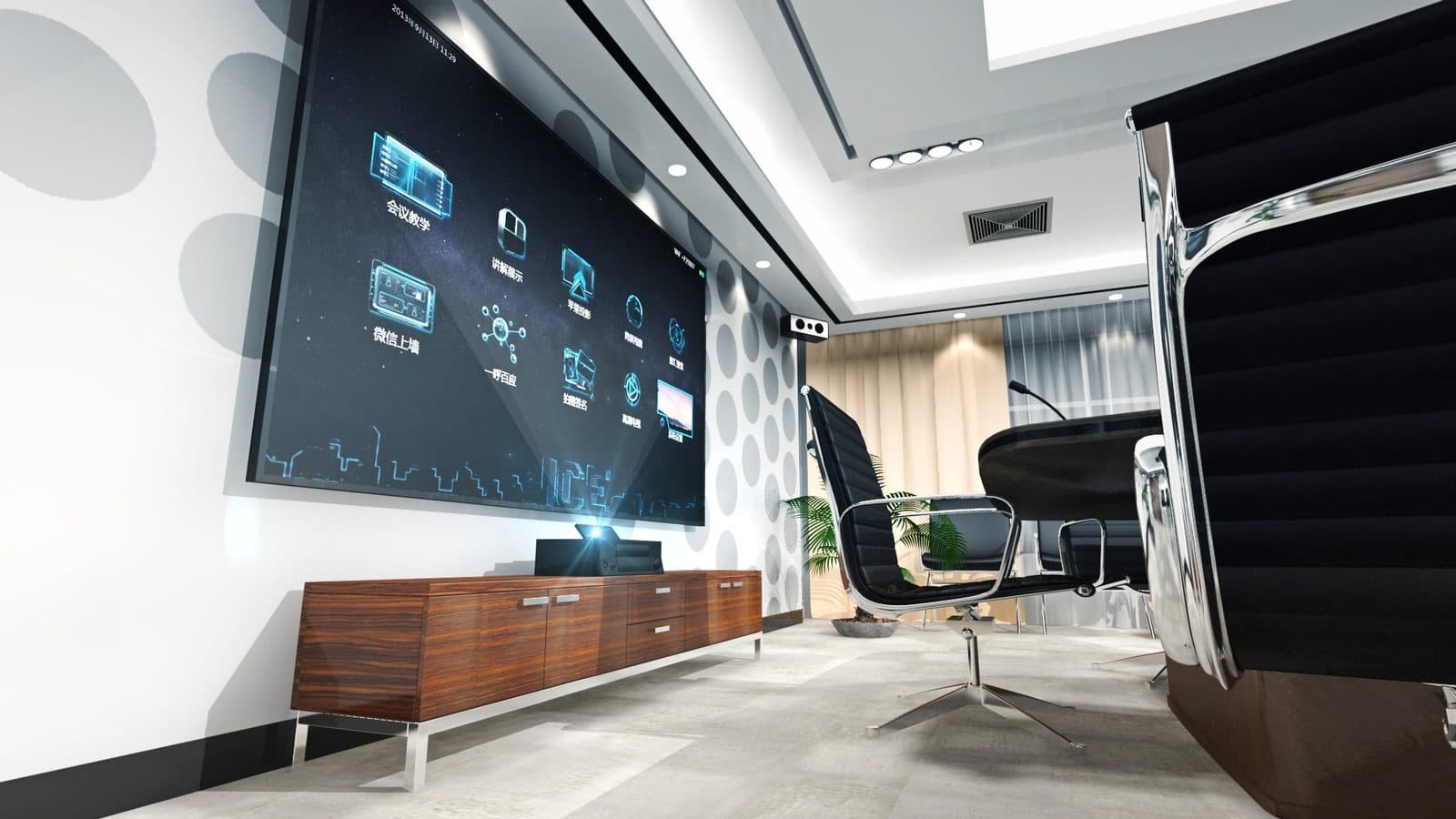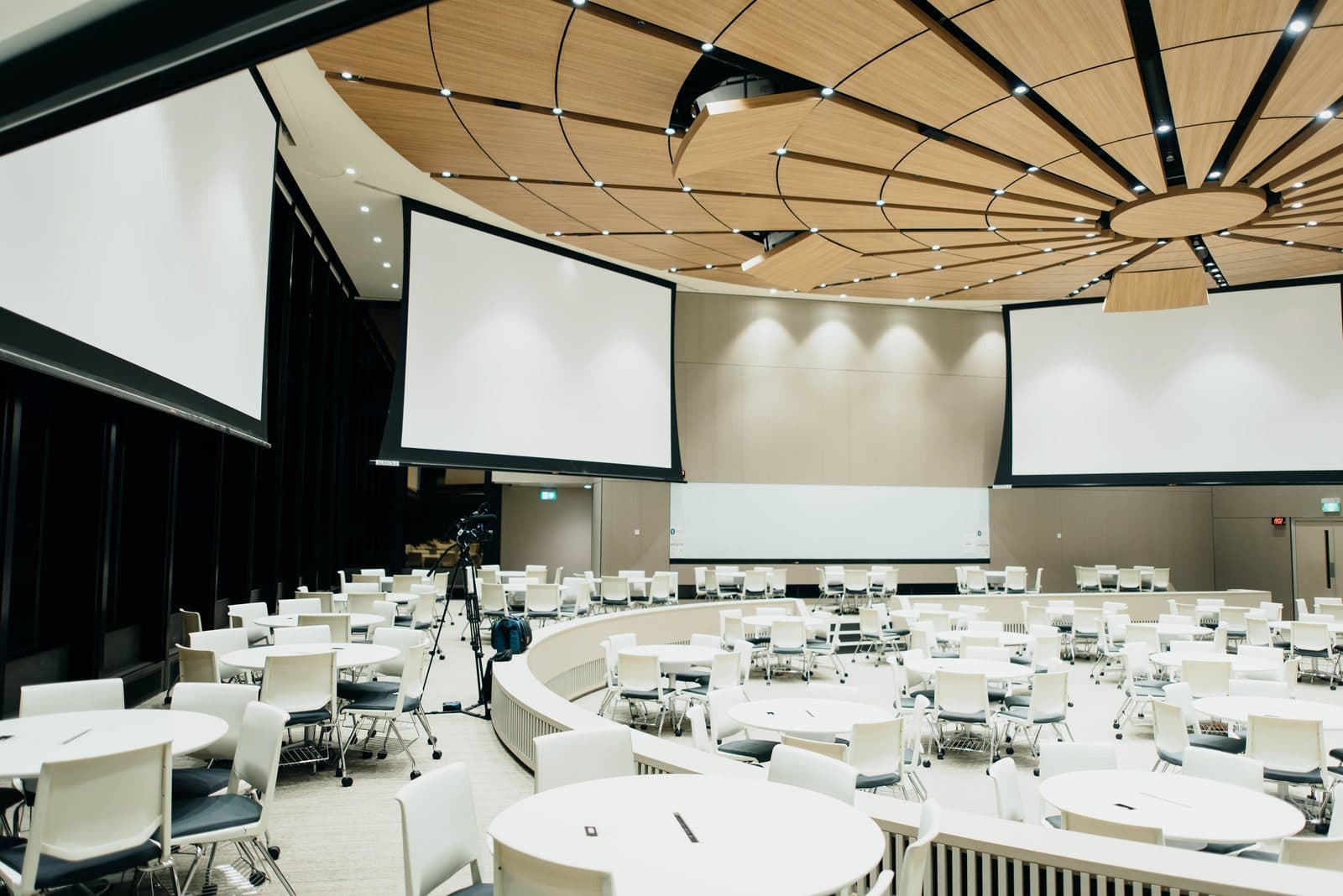
A good hybrid classroom setup is the difference between remote students genuinely following a lesson and remote students staring at a blurry whiteboard while straining to hear the teacher. Since 2020, most schools and coaching classes in Nashik have run some mix of in-person and online batches, but many are still using a laptop webcam and a Bluetooth speaker propped on a table — which works for a meeting, not for a classroom of thirty students. This guide walks through what a hybrid classroom actually needs, room by room, so both audiences get an equal learning experience.
Why hybrid classrooms need more than a laptop and webcam
A regular video call is built for one or two people talking to a camera at close range. A classroom is a different problem: the teacher moves around, writes on a board, and speaks to a room, while remote students need to see the board clearly, hear over classroom noise, and ideally see the teacher's face too. Getting this right needs four pieces working together — a large, sharp display or writing surface for the room, a camera that can see the whole space, a microphone that picks up the teacher (and often, students asking questions), and a stable internet connection that doesn't drop mid-lecture. Skimp on any one of these and the online batch has a worse experience, no matter how good the others are.
The core building blocks
Display or interactive flat panel for the room
For in-room students, an interactive flat panel (IFP) is far more useful than a projector and screen in daylight-heavy Nashik classrooms — no bulb replacement, no dimming needed, and most panels double as a writing and annotation surface that can be shared live with remote students too. Where budgets are tighter, a good projector still works, especially in rooms that can be reasonably darkened. Our IFP for education setups are built around this exact use case — sharp visuals in daylight, built-in whiteboard tools, and easy screen-sharing with a connected laptop running the online session.
Camera: fixed wide-angle vs PTZ
A single fixed wide-angle camera near the board is the minimum for a hybrid room — it captures the teacher and the board in one frame. For larger classrooms or coaching halls where the teacher moves a lot, a PTZ (pan-tilt-zoom) camera that can auto-track the speaker or be controlled remotely gives online students a much closer, more engaged view instead of a static wide shot. Some schools use both: a wide shot for context and a PTZ for close-ups, switched by a simple video mixer.
Microphones: ceiling, table and handheld
Audio is where most hybrid setups fail quietly — literally. A laptop mic picks up the nearest voice and everything else as noise. A ceiling microphone array, or a small conference table mic placed near the teacher's usual spot, captures speech clearly across the room and suppresses background chatter and traffic noise, which matters in busy areas of Nashik. For classes where students ask questions aloud, a handheld or lapel mic passed around (or a second ceiling mic zone) ensures remote students hear the question, not just the answer.
Network and local infrastructure
None of the above matters if the internet connection drops during a live class. A dedicated, wired connection for the streaming laptop or codec (not shared Wi-Fi with fifty student devices) is worth the extra effort, along with a basic backup — a second broadband line or a 4G/5G failover router — for institutes running paid online batches where a dropped session means unhappy parents. This also ties into broader structured cabling and wireless setup so the classroom's network, power, and AV cabling are planned together rather than patched over time.
Recording and streaming basics
Most hybrid classrooms benefit from recording every session, even if it's primarily live — students who miss a class or want to revise can catch up. A simple setup routes the camera and microphone through the display's built-in tools or a small PC into a meeting platform (for live streaming to online students) and a local recorder or cloud storage folder (for playback). Coaching classes running the same lecture across multiple batches often find recorded sessions cut down on repeat teaching hours over a term.
Equipment by room size — a rough guide
| Room type | Display | Camera | Microphone | Notes |
|---|---|---|---|---|
| Small classroom / tuition room (up to 15 students) | 65–75" interactive flat panel | Single fixed wide-angle USB camera | Table conference mic (omnidirectional) | Laptop can usually drive audio/video directly |
| Standard school classroom (20–40 students) | 75–86" IFP or projector with large screen | Wide-angle camera, PTZ optional | Ceiling mic array or 2 table mics | Wired network drop recommended |
| Coaching hall / lecture room (40+ students) | Large-format display or dual projector setup | PTZ camera with tracking, plus wide shot | Ceiling mic array + handheld for Q&A | Dedicated network line, backup internet advised |
Common mistakes schools and coaching classes make
- Buying a webcam and mic first, then realising the internet connection can't support HD streaming during peak class hours.
- Placing the camera far from the board, so remote students can't actually read what's written.
- Using a single classroom mic per subject teacher without checking how it performs once the room fills up with students — noise floor changes with occupancy.
- Treating the setup as a one-time purchase rather than planning cabling, mounting, and power runs properly, which leads to loose wires and awkward camera angles later.
Getting it right for your institute
Every institute's hybrid setup looks a little different depending on room size, number of simultaneous batches, and whether sessions are live-only or also recorded for later viewing. A school running three online batches a day has different network and recording needs than a single-room coaching class doing one live stream in the evening. It's worth mapping this out room by room before buying equipment, rather than assembling pieces reactively — a mismatched camera-mic-display combination is a common source of complaints from both parents and students.
Frequently asked questions
Can we upgrade our existing classroom projector setup for hybrid teaching instead of buying a new display?
Yes, in many cases. If the projector and screen are in good condition and the room can be darkened reasonably well, you can add a camera, microphone, and a small streaming PC without replacing the display. An interactive flat panel is usually recommended only when annotation, daylight visibility, or long-term maintenance become priorities.
How much internet speed does a hybrid classroom actually need?
For a single classroom streaming HD video to remote students, a stable connection with at least 8–10 Mbps dedicated upload speed is a reasonable starting point, though actual requirements depend on video quality, number of simultaneous streams, and platform used. It's best to test with your actual video/audio hardware before committing to a plan.
Do we need separate microphones for the teacher and for students asking questions?
Not always, but it improves clarity considerably. A ceiling mic array with wide pickup can capture both if placed well, but a dedicated handheld or lapel mic for the teacher plus occasional room pickup for questions gives the cleanest results, especially in larger halls.
Is a PTZ camera necessary, or is a fixed wide-angle camera enough?
A fixed wide-angle camera is enough for small rooms where the teacher stays near the board. PTZ cameras are worth the investment for larger classrooms or coaching halls where the teacher moves around and remote students benefit from closer, tracked shots.
Talk to Logic Systems
If you're planning a hybrid classroom for your school or coaching institute in Nashik, it helps to walk through your room sizes, batch schedules, and budget with someone who's set this up before. We work with schools and training institutes across North Maharashtra on interactive flat panels for education as well as full classroom conferencing setups covering displays, cameras, microphones, and networking. Get in touch and we'll help you plan a setup that fits your room and your budget.