Schools and coaching classes across Nashik are steadily moving away from chalk-and-marker boards toward digital displays, but the choice between an interactive flat panel (IFP) and a traditional projector is not always obvious. Both can display lessons, videos and slides, yet they behave very differently in daily classroom conditions — glare, maintenance frequency, how many hours a day the device is switched on, and whether teachers actually use the interactive features. This guide breaks down the real trade-offs so a school or coaching institute can pick the right display for each room rather than defaulting to whatever is trending.
IFP vs projector: the classroom trade-offs
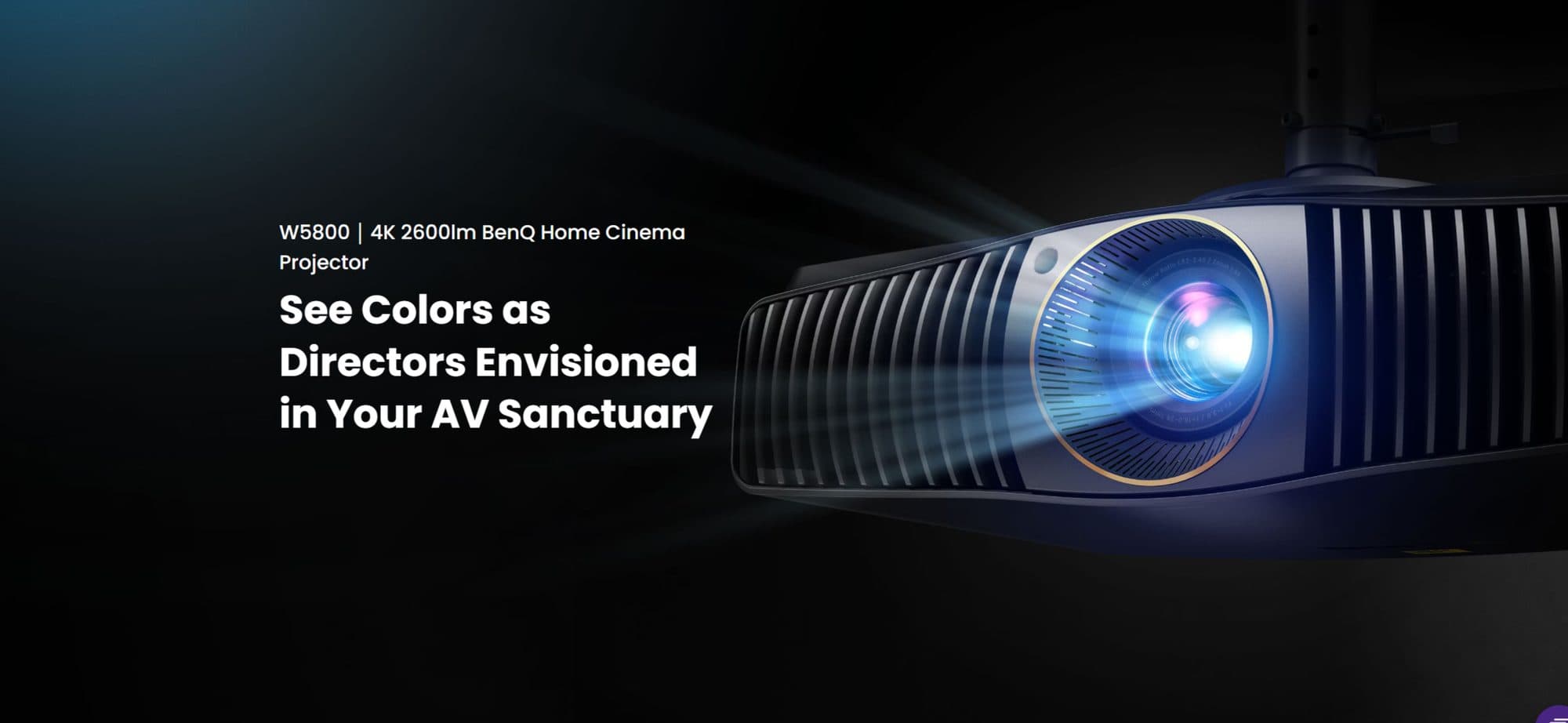
An interactive flat panel is essentially a large touch-enabled LED display, similar in concept to an oversized tablet, while a classroom projector throws an image onto a separate screen or wall. Each has genuine strengths depending on the room and how it is used.
| Factor | Interactive flat panel | Projector |
|---|---|---|
| Glare / visibility in daylight | Very good, self-lit LED panel | Can wash out with strong ambient light |
| Touch interactivity | Built-in, multi-touch | Needs a separate interactive add-on kit |
| Maintenance | Low; no bulb or filter to replace | Lamp replacement, filter cleaning needed |
| Upfront cost | Higher per unit | Lower per unit, but screen adds cost |
| Image size | Fixed to panel size (typically 65"–86") | Flexible, scales with throw distance |
| Daily on/off durability | Built for always-on classroom use | Lamp life shortens with frequent cycling |
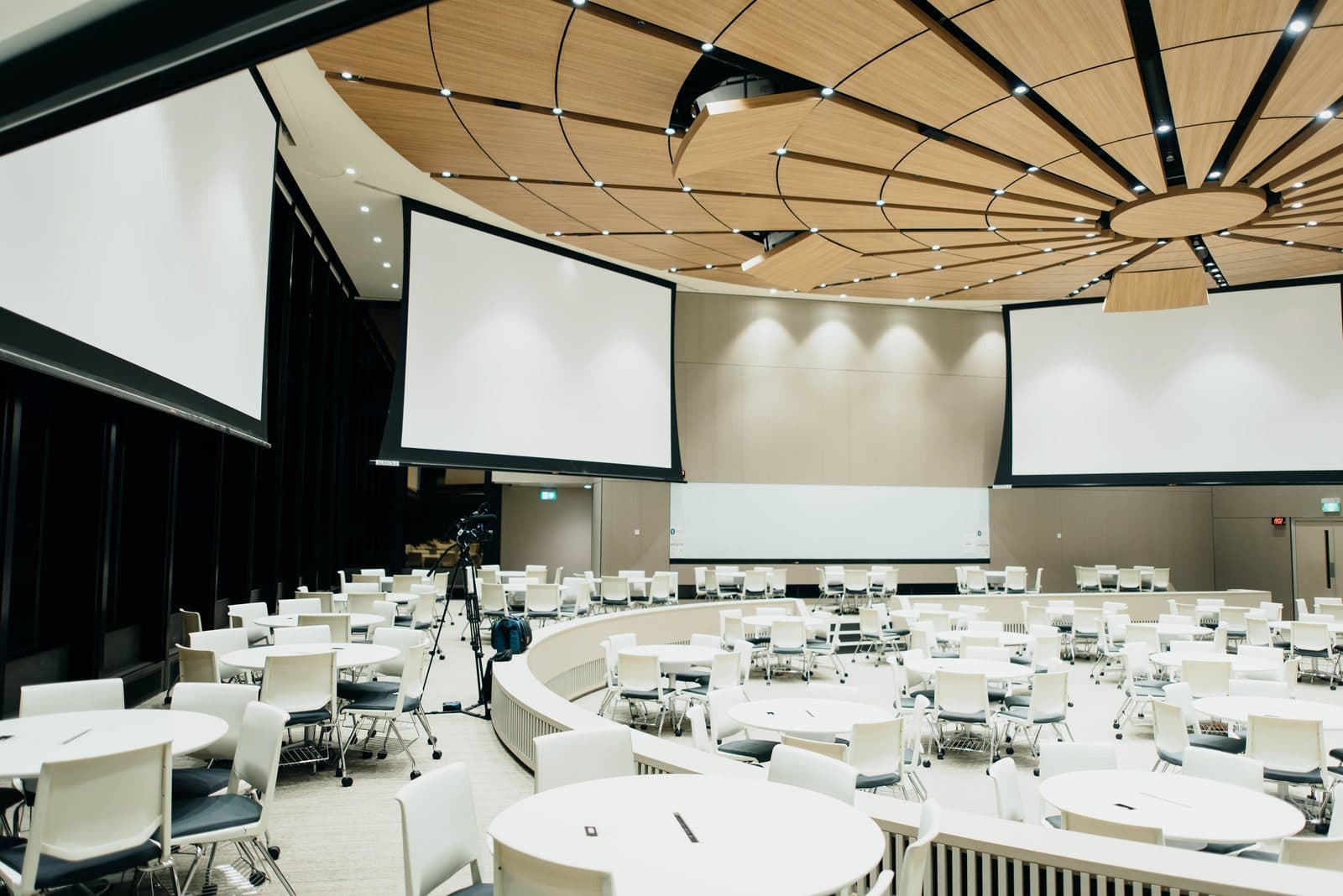
| Best fit | Regular classrooms, coaching batches | Large halls, auditoriums, occasional-use rooms |
In short, for a classroom that is used for several hours every day, the lower maintenance and glare resistance of an IFP usually wins out over the projector's lower initial cost. For a large hall or auditorium used occasionally for assemblies or seminars, a projector with a bigger screen is often the more sensible and economical choice.
Choosing the right panel size for your classroom
Panel size should match the room's depth and the farthest student's viewing distance, not just what looks impressive in the front row. As a general guide, a 65-inch panel suits smaller classrooms or coaching batch rooms up to roughly 20–25 students seated close to the front, a 75-inch panel comfortably serves a standard classroom of 30–40 students, and an 86-inch panel is better suited to larger classrooms, labs or training halls where students sit further back. Undersized panels force students at the back to strain, which defeats the purpose of moving to digital displays in the first place.
Built-in software and whiteboard tools
Most interactive flat panels today ship with built-in whiteboard software that lets teachers write, annotate over documents or PDFs, save lesson notes, and pull up ready-made subject content or diagrams without needing a separate laptop connected at all times. For Nashik schools running a mix of CBSE, SSC and ICSE curricula, this built-in annotation layer is often more useful day-to-day than any single flashy feature, since it lets a teacher mark up an existing textbook page or worksheet directly on screen mid-lesson.
Android vs Windows OPS: which operating system fits your school
Most IFPs run a built-in Android system for everyday tasks like browsing, playing videos and using the whiteboard app, with no PC required. For schools that also want to run full desktop software — such as Tally for administrative use, specific subject software, or a fixed computer lab setup — an OPS (Open Pluggable Specification) slot lets you plug in a Windows mini-PC module directly into the back of the panel, turning it into a full Windows computer with a touch display. Many schools choose Android-only panels for classrooms and reserve OPS-equipped panels for the computer lab, staff room or admin office where full Windows software is genuinely needed.
Durability for daily school use
A classroom device gets switched on and off multiple times a day, handled by children, and often used continuously for six to eight hours. This is a materially harder duty cycle than a home or office display. When evaluating panels for school use, check for tempered anti-glare glass (scratch resistance matters with younger students), a metal rather than plastic chassis, and a manufacturer warranty that explicitly covers education/commercial use rather than a consumer-grade unit repurposed for a classroom.
Coaching classes in Nashik: a growing use case
Beyond schools, Nashik's large coaching class ecosystem — preparing students for board exams, JEE, NEET and other competitive exams — has been an early adopter of interactive panels, since batches are often taught in tighter, high-utilisation rooms where a projector's lamp life and glare issues become a real running cost. A single well-placed IFP that runs reliably across multiple back-to-back batches each day often works out more practical for a coaching institute than a projector needing regular bulb changes and screen upkeep.
Frequently asked questions
Is an interactive flat panel better than a projector for a school?
For daily-use classrooms, an IFP is generally better due to lower maintenance, better daylight visibility and built-in touch interactivity. Projectors remain a good, more economical choice for large halls or occasional-use spaces.
What panel size is best for a standard Indian classroom?
A 75-inch panel is a good default for a standard classroom of 30–40 students; smaller coaching batch rooms can work well with 65-inch panels, and larger halls benefit from 86-inch panels.
Do interactive panels need a separate computer?
Not necessarily — most panels have a built-in Android system sufficient for whiteboard use, video playback and browsing. A Windows PC (often via an OPS slot) is only needed if the school wants to run specific desktop software.
How long do interactive flat panels typically last in schools?
With commercial-grade panels and normal daily classroom use, most schools can expect several years of reliable service, though actual lifespan depends on usage hours, handling and the build quality of the specific panel chosen.
Talk to Logic Systems
Whether you are equipping a single smart classroom or fitting out an entire school or coaching institute, matching the right interactive flat panels for education to each room's size and usage pattern makes a real difference to both budget and daily reliability. Logic Systems also supplies conferencing and training room displays for institutes that need seminar halls alongside regular classrooms. Contact us for a site assessment and a room-by-room recommendation across your Nashik campus.